
LAN Surf - Home Lab Resources tools
Home networking and home lab, minus the enterprise budget
-
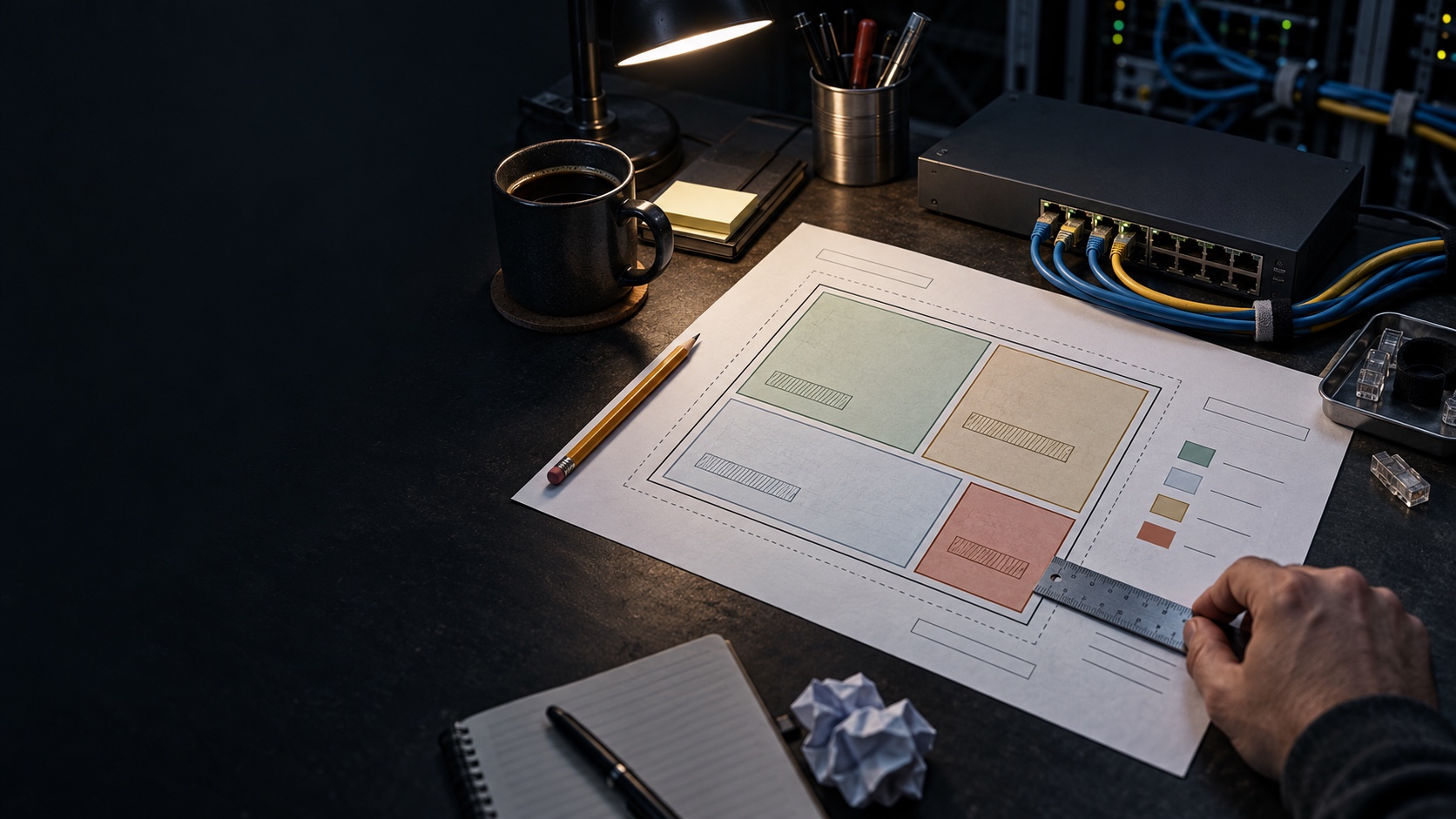

Subnet & VLAN Plan
Give it a private block and what each VLAN is for, and it lays out subnets that do not overlap and do not fragment the block. Then it keeps checking as you edit — overlaps, DHCP ranges outside their own subnet, a VLAN you have outgrown — and prints the whole thing, because when the network is down a web page is the one thing you cannot reach. → Lay out the VLANs, their subnets, DHCP ranges and what may reach what, and keep the plan you can still read at 2am. -
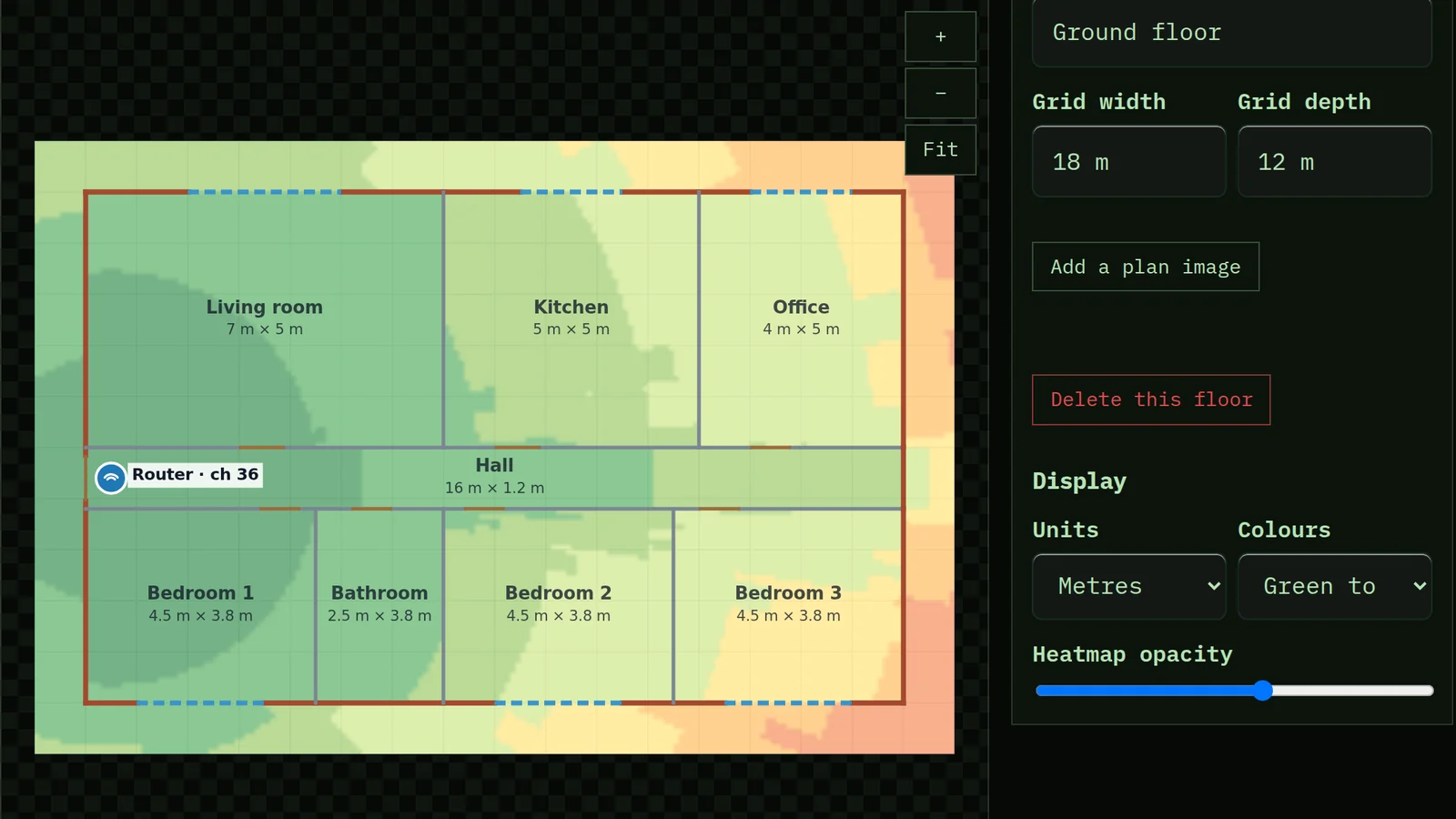

Wi-Fi Heatmap Planner
Draw your rooms at their measured sizes, or upload a floor plan and trace it, and say what each wall is made of. Drop access points on it and watch the coverage change as you move them, on every band and every floor. Plan channels so neighbouring access points stop sharing airtime, and calibrate the prediction with readings from your own phone. → Predict Wi-Fi coverage from a real floor plan — walls by material, access points by power and channel, every floor — then plan channels and calibrate the prediction against the reader's own measurements. -
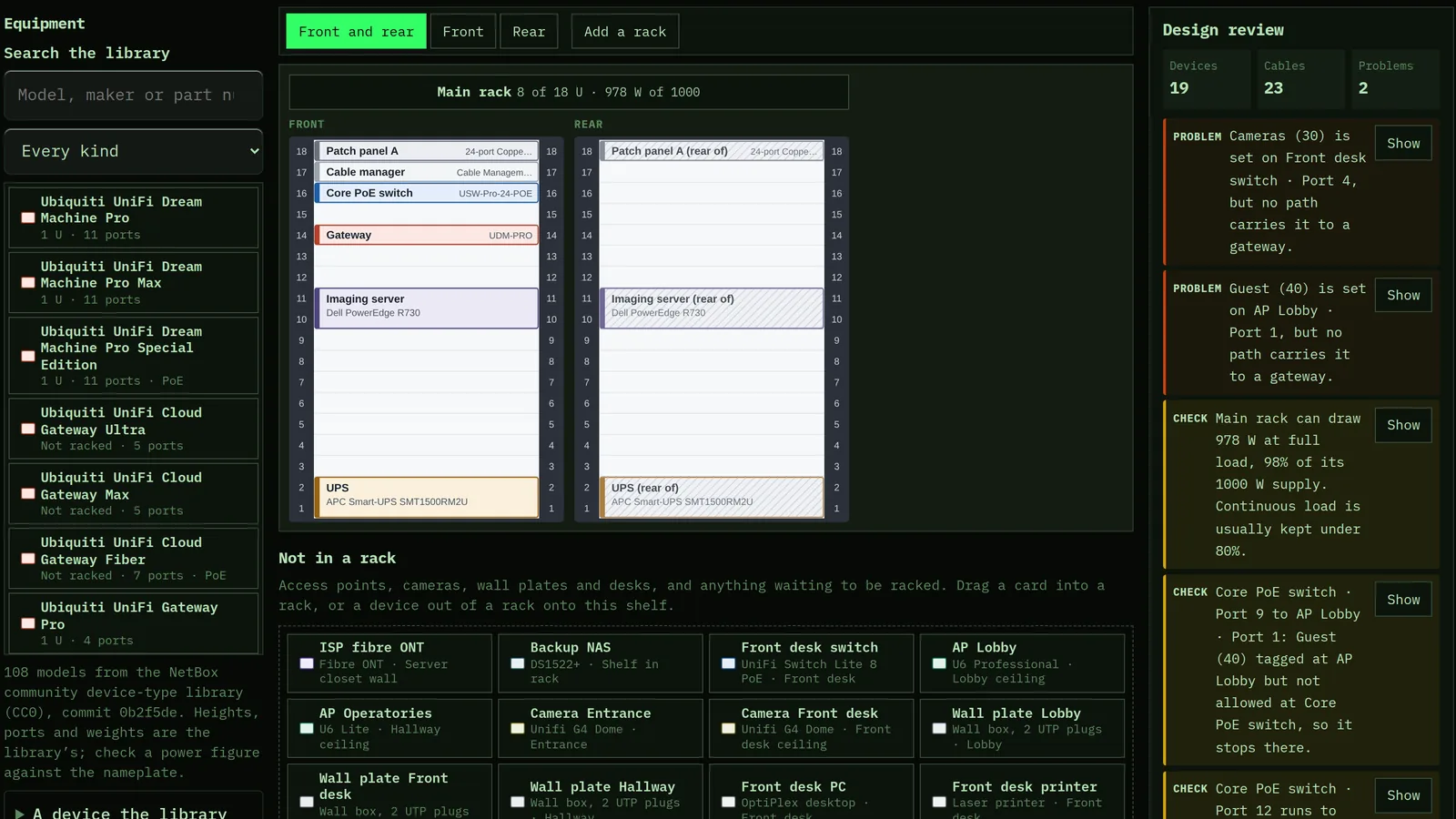

Rack & Topology Designer
Drag real switches, routers, patch panels and servers into a rack, front and rear. Cable them port to port, set each port's VLANs, and trace any jack back to the switch through the patch panel. The network diagram is drawn from those cables, the design review catches the VLAN, PoE, power and cable-length mistakes, and the cable labels print with QR codes. → Document a small network the way it is built — real equipment in rack elevations, every cable port to port with its VLANs — and get the topology diagram, end-to-end traces, a design review, QR cable labels and NetBox import files from that one record.